Top 5 ADHD Productivity Tools for Students
Each tool helps with a different part of school, from remembering homework to finding time to study. Pick the one that solves the problem you have today.
UpdatedTodoist
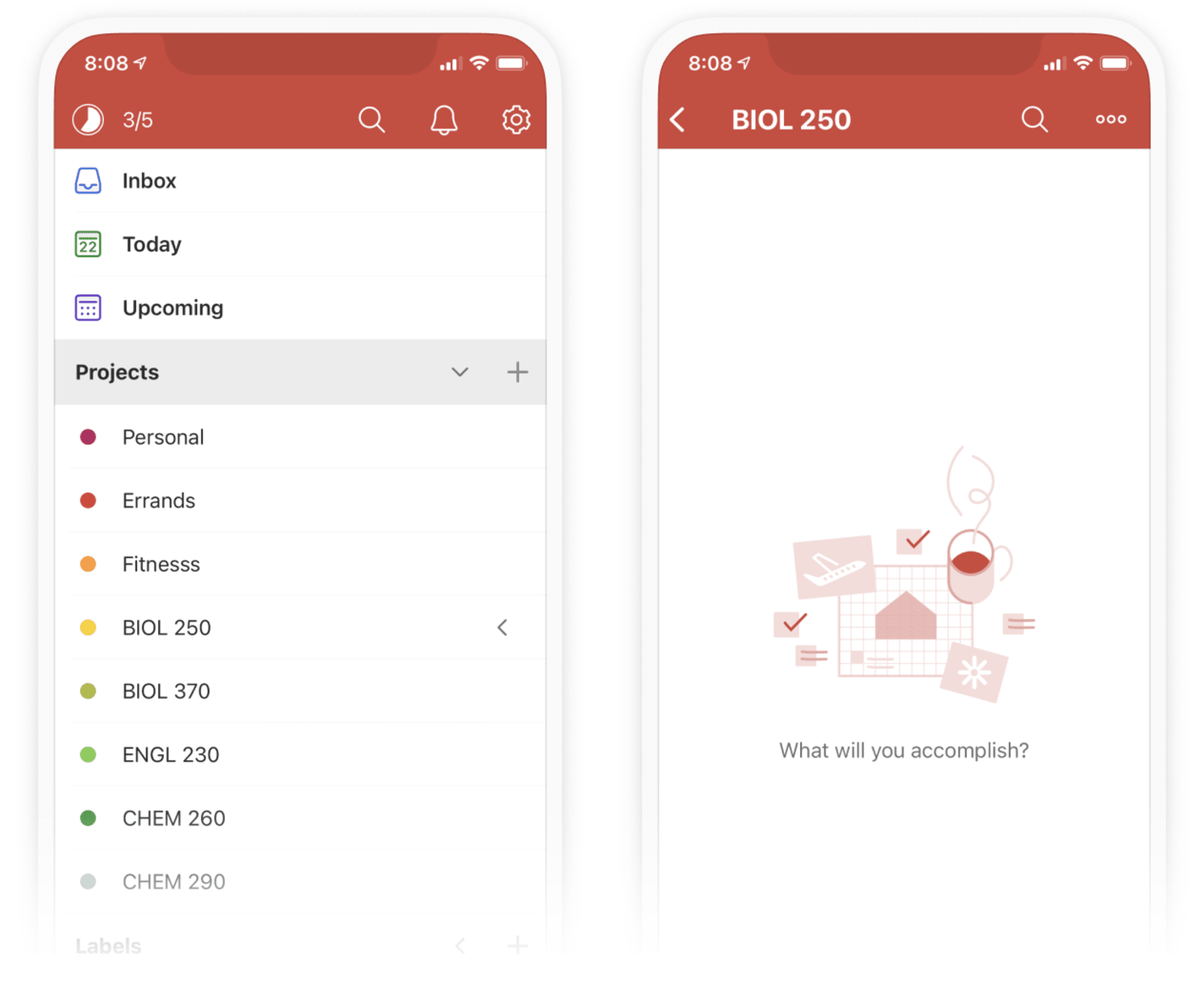
Best for remembering assignments
Todoist is an app to quickly jot to-dos into your to-do list so you don't forget to do things. You can set due dates and keep a list for each class, so homework is easier to find when you're ready to work.
Make one project per class. Add only the next deadline to start.
Open TodoistScreenshot: Todoist Scrap
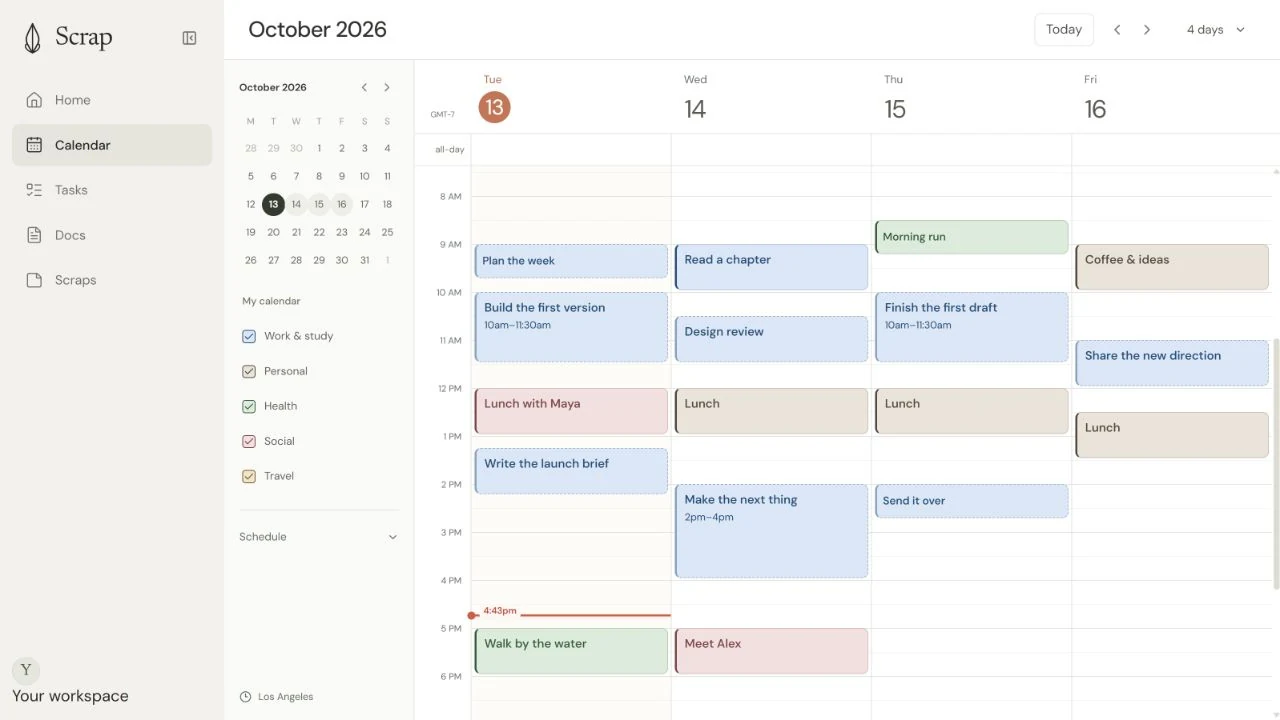
Best for making time to study
Scrap is a calendar and productivity app with to-dos, notes, and docs. Add how long a task will take and when it's due, and Scrap plans the work around your classes and other events. That helps you find study time before a deadline without planning every block yourself.
Example: “Finish my history project by Thursday. It will take three hours.”
Open ScrapScrap is our product.
Screenshot: Scrap Notion
Best for keeping longer class notes
Notion is an app for writing and organizing pages. You can keep class notes, readings, links, and study guides together, which makes course material easier to find later.
Start with one page per subject instead of a custom dashboard.
Open Notion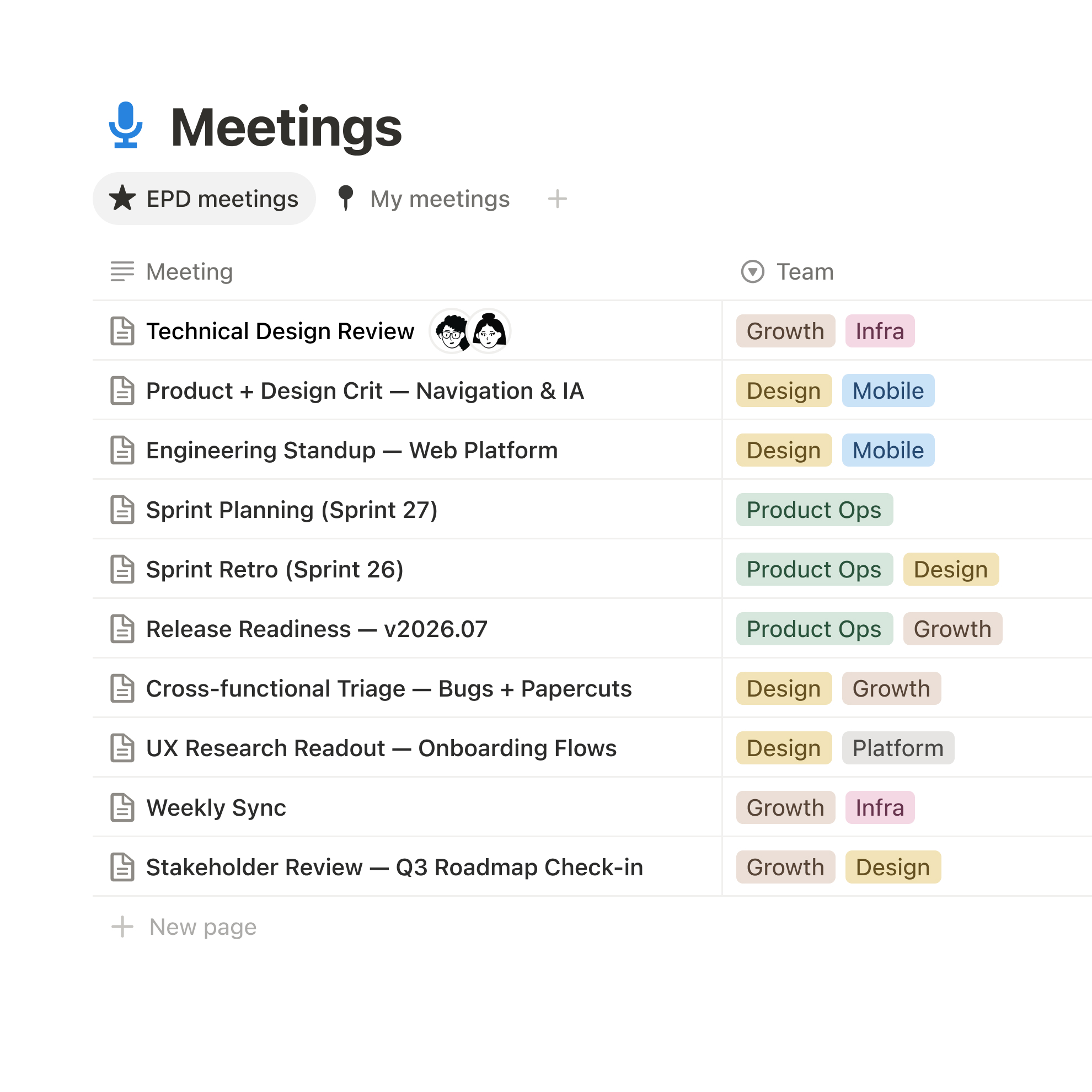
Screenshot: Notion FocusFlight
Best for starting a focused session
FocusFlight is a focus timer that turns a study session into a timed flight. Pick one assignment and start a flight to give your work a clear beginning and end. Its optional app blocking can help you stay off distracting apps while you study.
Choose one assignment, then book a short flight just to get started.
Open FocusFlight
Screenshot: FocusFlight Google Calendar
Best for seeing fixed commitments
Google Calendar is a calendar app for classes, tests, appointments, and study blocks. Seeing them together shows you which hours are already booked and where you can make room for homework.
Block time to prepare before the test, not just the test date.
Open Google CalendarScreenshot: Google Calendar