Top 5 productivity tools for AP classes
The best productivity tools for AP classes do different jobs. Use these picks to review course material, make time to study, practice official questions, remember facts, and keep exam dates visible.
UpdatedKnowt
Best for AP subject review
Knowt is an AP study app with unit guides, cram sheets, flashcards, and practice tests. Pick your AP class and review a topic, then quiz yourself to see what you remember. It gives you ready-made material for studying a specific unit or preparing for an AP exam.
Open your AP subject and test one topic before rereading your notes.
Open Knowt
Screenshot: Knowt Scrap
Best for finding study time before deadlines
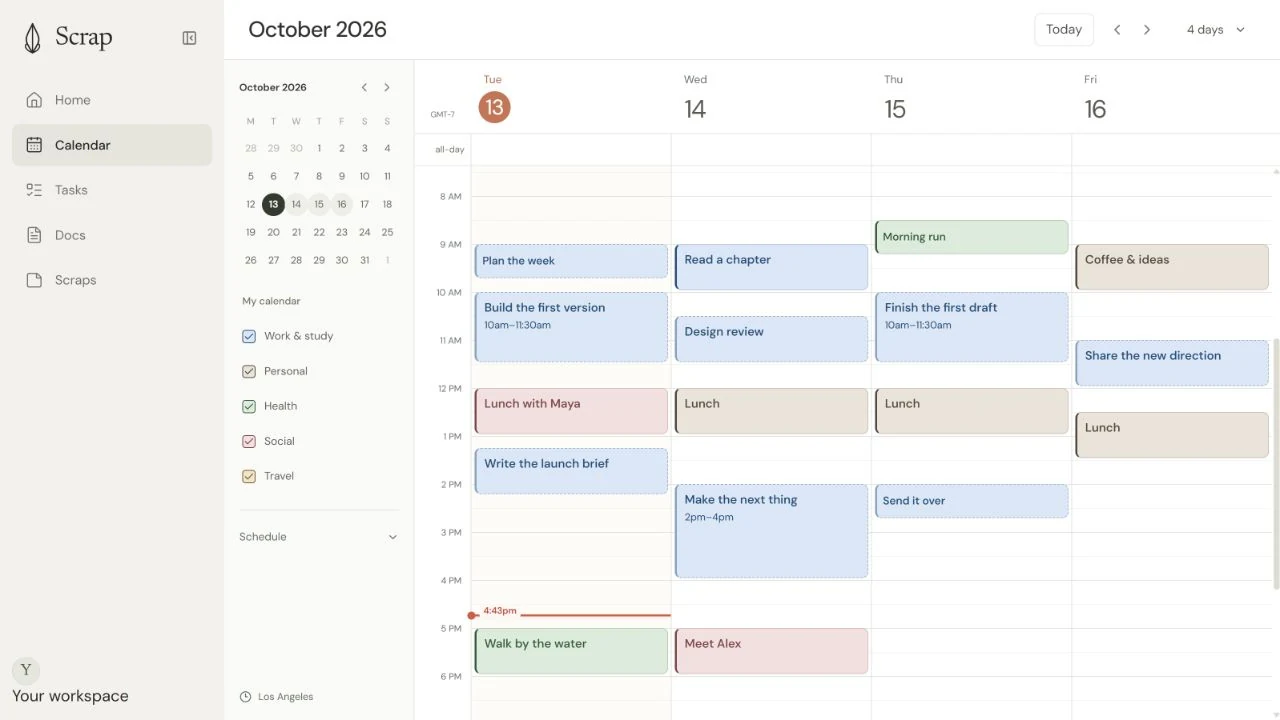
Scrap finds time for you to study. Add an AP assignment or exam, say how long preparation may take, and it can fit study sessions around classes and other plans before the due date.
Use it whenYou have several AP deadlines and need enough study time around the rest of your life.
Keep in mindScrap schedules preparation. Use a course resource for the practice questions themselves.
Try: “I need three hours for AP Biology before Friday.”
Open ScrapScrap is our product.
Screenshot: Scrap AP Classroom
Best for official AP practice
AP Classroom is College Board’s online practice platform for AP classes. Join your teacher’s class section to watch AP Daily videos and complete assigned topic questions and progress checks. You can use the results to see which course topics need more review before the AP exam.
Review the questions you missed after a progress check.
Open AP Classroom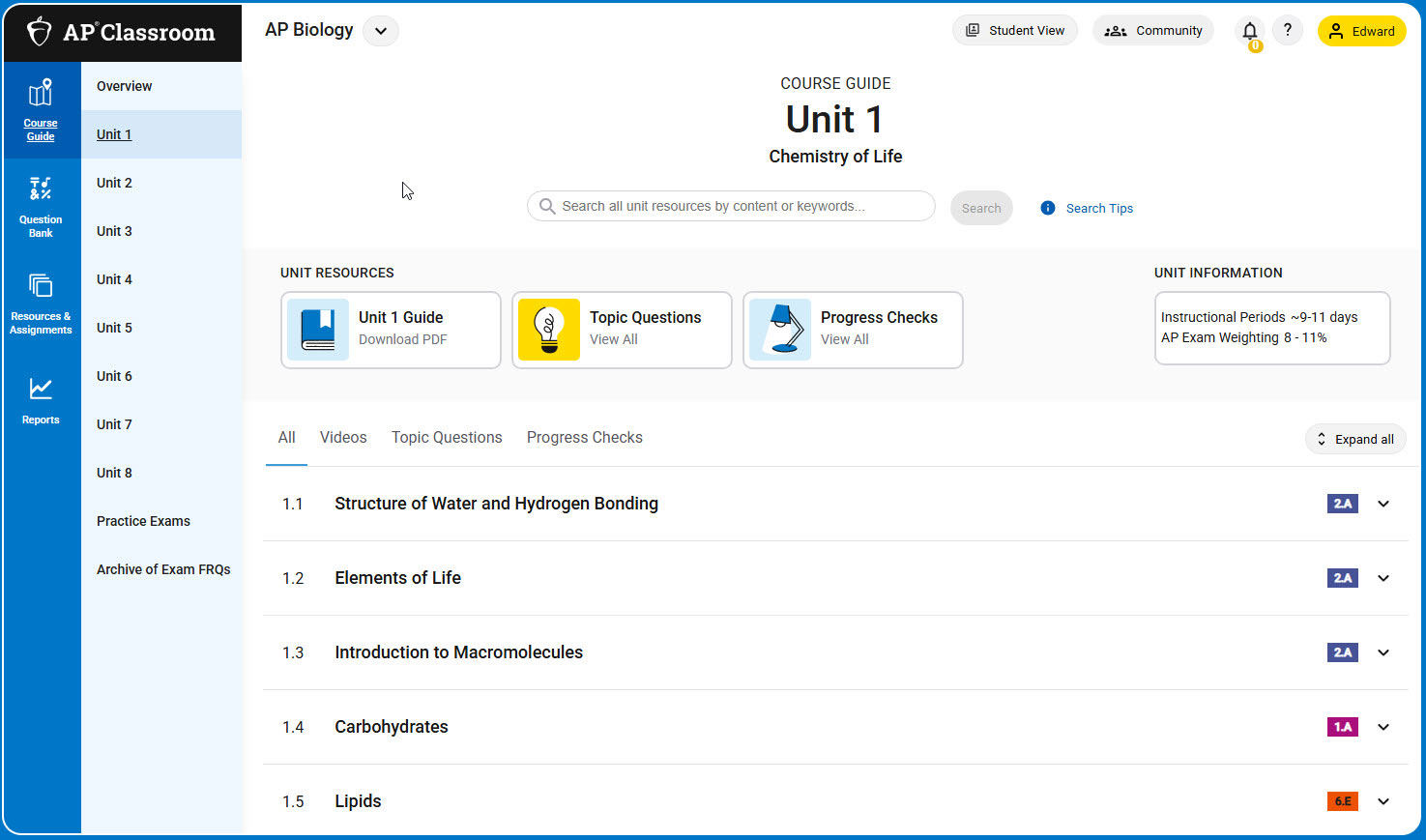
Screenshot: AP Classroom Anki
Best for remembering facts over time
Make flashcards for terms, formulas, or dates you keep forgetting. Anki schedules review over time, so it suits material you need to retain across the semester.
Use it whenFacts from earlier units fade before the exam, even after you understood them once.
Keep in mindCard-making takes effort. Focus on the facts you miss in practice.
Create cards from mistakes on your last practice set.
Open Anki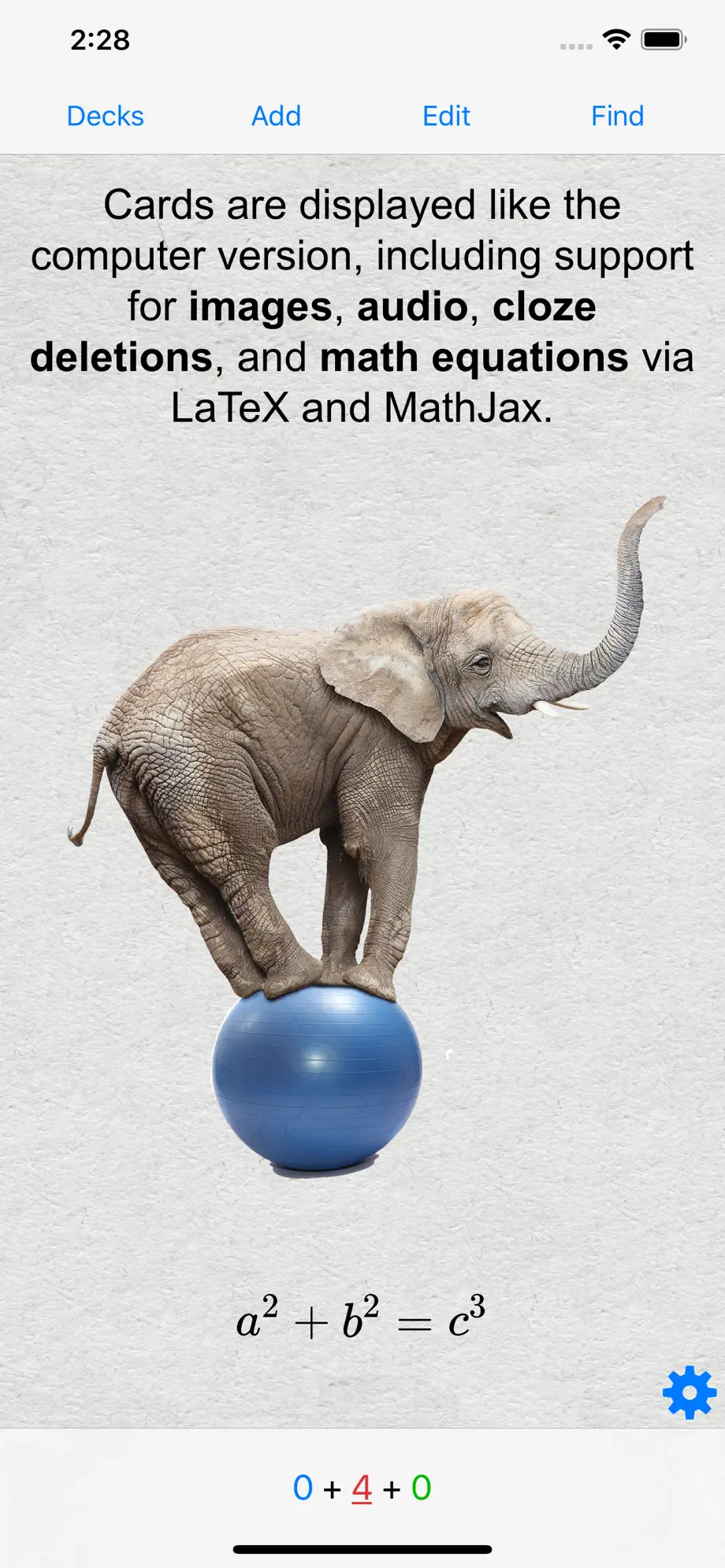
Screenshot: Anki Google Calendar
Best for keeping exam dates in view
Put exam dates, homework deadlines, and practice sessions on one calendar. It is a simple choice if you prefer to place each study block yourself.
Use it whenYou want a clear view of test dates and prefer to plan study sessions manually.
Keep in mindA calendar shows the time. You still choose what to study in each block.
Add the exam, then reserve two earlier review sessions.
Open Google CalendarScreenshot: Google Calendar
